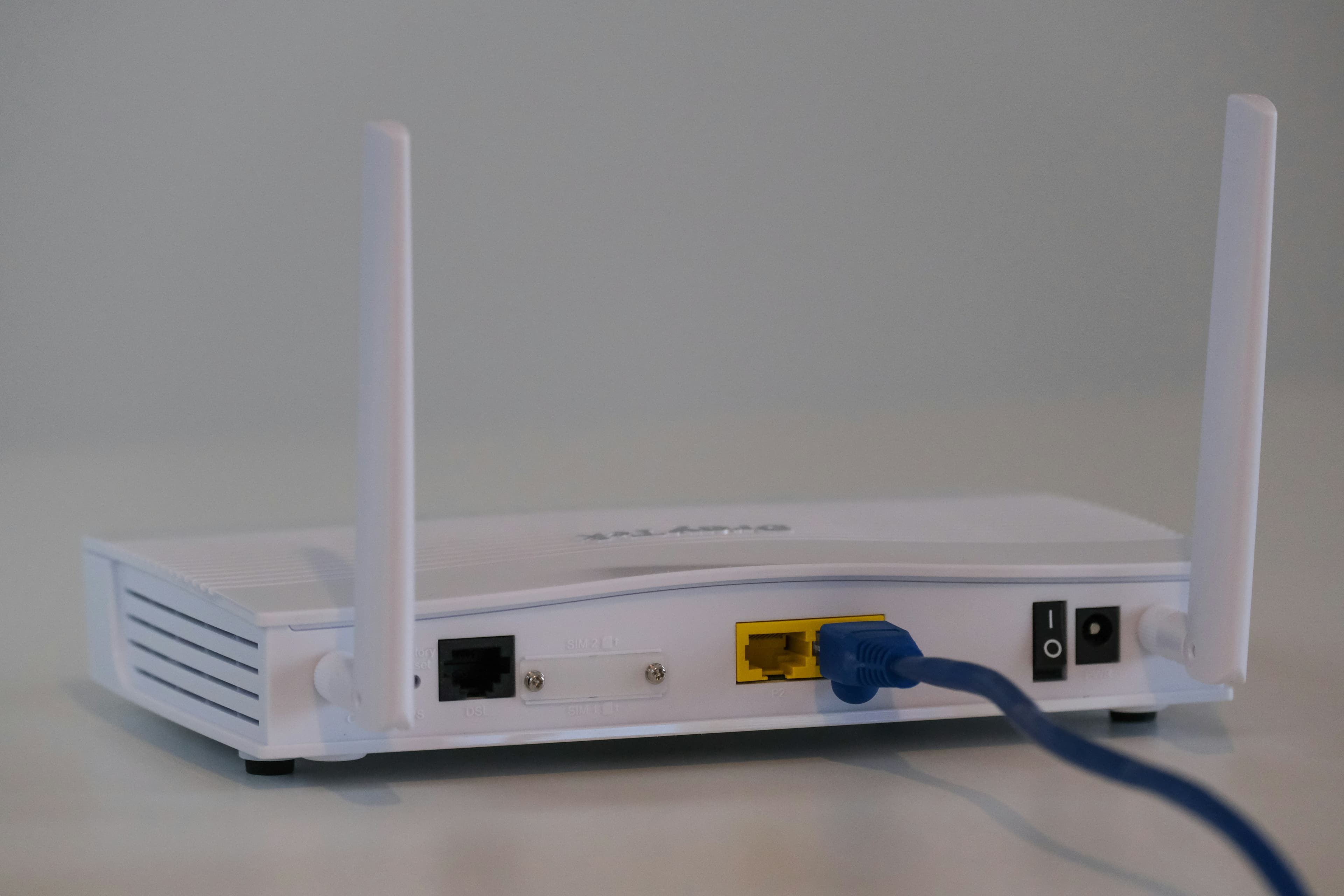
Looking for an affordable Wi-Fi Router? We are here to meet your demands which will not only satisfy your technical requirements but also save your pocket from pointless spending.
We will provide you with a variety of routers and also let you know the specific details of each router, so that you can choose wisely which router fits best in your apartment, or in house.
What you should be aware of before buying a Wi-Fi router?
Wi-Fi standing for Wireless Fidelity is a wireless Local Area Network (LAN) technology which modernised the usage of digital devices and made wireless internet available at homes, offices or public places with minimum costing.
What are Wi-Fi standards?
Wi-Fi standards are parameters set for Wi-Fi including speed, range etc. which helps you to analyse the best Wi-Fi internet.
Wi-Fi 5: Enables multiple devices to communicate, and good for basic tasks like browsing, video streaming, gaming etc.
Wi-Fi 6: Faster and more compatible than Wi-Fi 5, good for crowded areas, and homes with multiple smart gadgets.
Wi-Fi 6E: Faster speed and low latency, advanced version of Wi-Fi 6 but requires new infrastructure to access. Reduce interferences like congestion in the network and support a large number of devices.
Wi-Fi 7: The most advanced version of Wi-Fi, meeting super-fast speed and heavy-duty usage demands.
Most households can be fulfilled by wifi-6. If you have someone in your family who is a tech enthusiast, then you can opt for Wi-Fi 7\.
What are Bands?
Wi-Fi bands are like the paths from which the data passes. More bands, more data will flow smoothly.
Single-band: Basic range of 2.4 GHz frequency which is suitable for light use in small spaces.
Double-band: Offers two separate frequency ranges of 2.4 GHz and 5 GHz \- ideal for medium-sized homes.
Tri-Band: Offering an additional frequency range of 6GHz, making it a suitable option for large households with multiple devices.
Quad-Band: Along with 2.4 GHz, 5 GHz, 6 GHz, this band has a frequency range of 5 GHz backhaul which provides exceptional speed and reliable performance.
Single and Double bands are suitable for households depending upon the size of your house whereas Tri and Quad bands are good options for technical enthusiasts.
Do you need a Mesh System?
If your Wi-Fi network doesn’t reach every corner of your house, then mesh systems can be fruitful for you. It uses satellites to spread signal evenly, extending Wi-Fi coverage and suitable for multi-storey or large houses.
Which router is ideal for you?
We can provide you following routers:
| Model | Wi-Fi Standards | Band Technology | Mesh System | Prices |
| :---- | :---- | :---- | :---- | :---- |
| Model A | Wi-Fi 5 | Single Band | No | $25 |
| Model B | Wi-Fi 6 | Dual-band | No | $90 |
| Model C | Wi-Fi 6 | Dual-band | Yes, 2 satellites | $200 |
| Model D | Wi-Fi 6E | Tri-band | Yes, 2 satellites | $300 |
| Model E | Wi-Fi 7 | Quad-bands | Yes, 3 satellites | $700 |
Final-Tips
Know your needs: Analyse your needs and refer to them in the provided blog.
Stick to your budget: Don’t overpay.
Check compatibility: With the description provided in this blog, you can easily find which router is compatible.
We would suggest you to go through the blog before purchasing any router. In this blog, we have provided details for all your needs, hope it helps\! Browse our section and make a decision today\!